What Is URL Encoding? How It Works (With Examples)
Introduction
URLs can only contain a specific set of characters. Reserved characters such as spaces, ampersands (&), hash symbols (#), question marks (?), and other special characters have specific meanings in a URL. When these characters are intended to be part of the data rather than the URL structure, they must be URL encoded. URL encoding solves this problem by encoding reserved characters before they are included in a URL.
Have you seen a URL including "%20" or "%26" and wondered about what the meanings are, why it is needed, and how you can encode a URL without writing any code?
What Is URL Encoding?
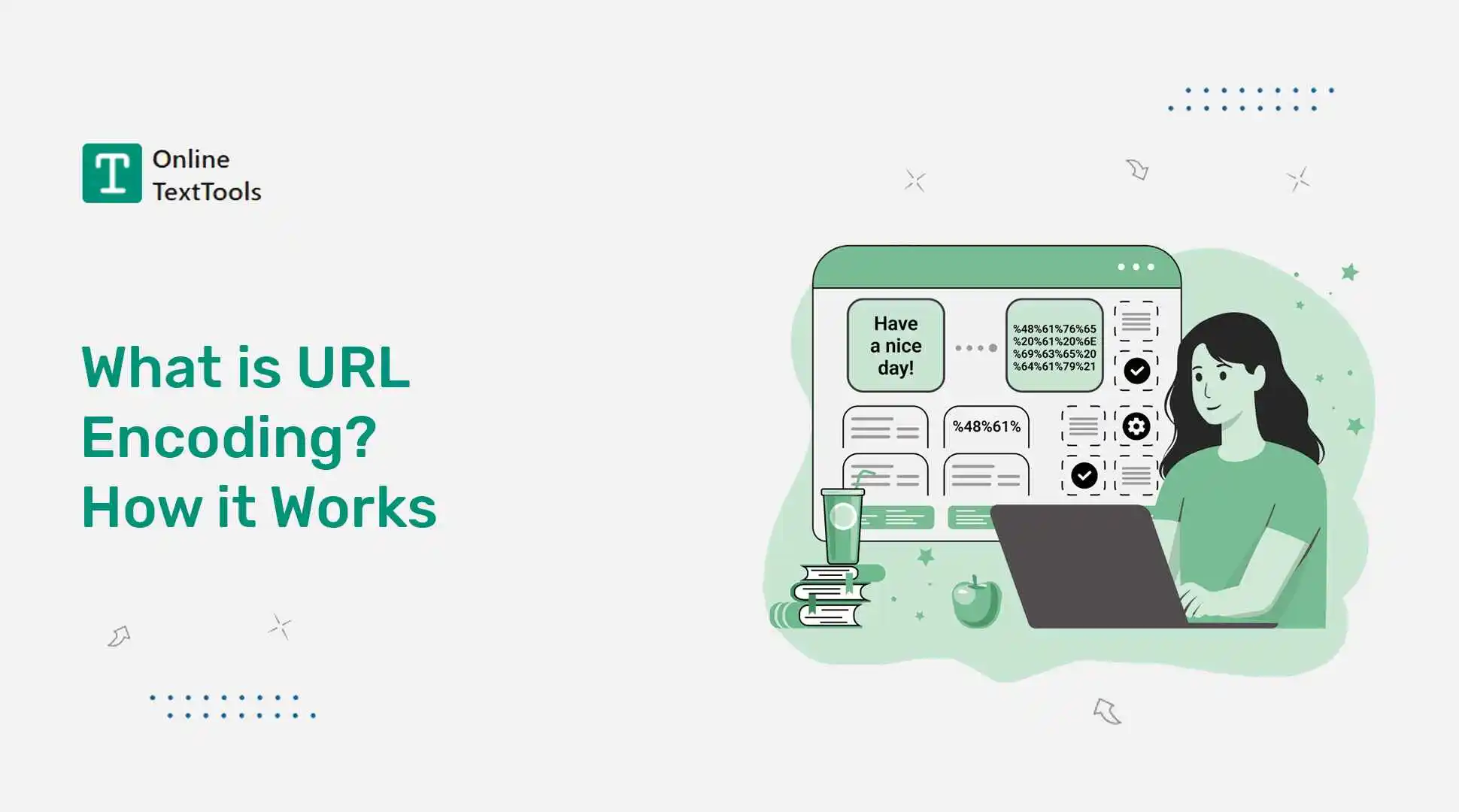
URL encoding serves to encode characters in a string that are not safe in a URL for display by or processing by browsers and servers. Also, it's known as percent encoding or URL escaping, as characters that are not URL-safe are replaced with their percent-encoded representation, where each byte is represented as %HH.
For instance, a space will be replaced by %20. An ampersand becomes %26. A forward slash will change to %2F. The output will be a URL that does not look the same as you typed but still contains the same information and can be correctly interpreted by browsers and servers.
You will also encounter the term "urlencode" in programming contexts, the term "url escape" in older documentation, and the term "URI quote" in more technical specifications. These are all aspects of the same process. The output can be viewed in some contexts as a coded version of the original text and is therefore sometimes referred to as a URL code.
What is the purpose of URL encoding?
URLs were originally designed to use ASCII characters. This is to say that apart from the special characters native to establishing a URL, it should be only letters (A-Z), numbers (0-9), and a very limited number of symbols.
One of the issues is that many of the most frequently used characters by people to have special meanings in the URL have reserved meanings within the URL itself. Spaces are not allowed in URLs and must be encoded, typically as %20.
Parameters in a query string are separated with an ampersand (&), so do not use an ampersand to separate out data. A hash symbol (#) is used to tell the browser that it's going to jump to a place on the page. If a query string is needed, it begins with a question mark (?).
This is a problem that can be addressed using URL encoding: URL encoding converts reserved characters into encoded values before the URL is sent. The browser sends the encoded URL, and the receiving server decodes it back to its original form. This preserves the data while allowing the URL to be parsed correctly.
What is meant by "URL encoding"?
Each of the characters to be encoded is converted to its UTF-8 byte representation and output in the form of %HH, where the two hex digits represent the byte value. This process is also known as "percent encoding," because of the percent sign that marks the beginning of the encoding.
Let's do a simple example. Take the text:
hello world & name=John
After URL encoding, it becomes:
hello%20world%20%26%20name%3DJohn
The following space between "hello" and "world" is encoded with %20. The ampersand (&) is encoded as %26. %3D = equals sign. Each reserved character is percent-encoded, producing a string that can be safely included in a URL without ambiguity.
The one thing to know about is double encoding. Double encoding occurs when an already encoded URL is encoded a second time. You end up with %2520 instead of %20, because the % character itself is encoded as %25. Double encoding is one of the more frequent bugs that can result in a broken link and/or a server error and generally occurs when a script automatically does the encoding on top of the already encoded input. Double encoding is one of the first things to check when troubleshooting an encoded URL that isn't working as expected.
Common URL Encoding Characters
This table covers the characters you are most likely to encounter when working with URLs. Knowing these by heart saves a lot of debugging time.
| Character | URL Encoded Value | Special meaning in URLs |
|---|---|---|
| Space | %20 |
Not allowed in URLs; must be percent-encoded |
| & (ampersand) | %26 |
Separates query string parameters |
| / (forward slash) | %2F |
Separates URL path segments |
| . (dot / period) | %2E |
Used in file extensions and domain names |
| : (colon) | %3A |
Separates protocol from the rest of the URL |
| # (hash) | %23 |
Marks a page anchor / fragment |
| ? (question mark) | %3F |
Marks the start of a query string |
| = (equals sign) | %3D |
Separates keys from values in query strings |
| + (plus sign) | %2B |
Sometimes used as an alternative encoding for spaces |
| _ (underscore) | %5F |
Generally safe but encoded in strict contexts |
Most standard letters (A-Z, a-z), numbers (0-9), hyphen (-), underscore (_), tilde (~), and period (.) won't require any encoding in most applications. All others should be encoded if they're used as data in a URL. Every common operation, such as url encode slash, url encode ampersand, url encode forward slash, and url encode period, works the same way: look at the key character, convert that character to its hexadecimal code, and then substitute that pair of digits with the % sign. The most common confusion I (and probably other people) make with ampersand URL encoding is that the & symbol is harmless on its own, but it confuses people immediately while it's within the query string.
Some of the most commonly asked ones:
In standard URL percent-encoding, spaces are encoded as %20. However, in application/x-www-form-urlencoded format (commonly used for HTML form submissions), spaces are encoded as +. One of the most frequently seen encoded characters will be %20, so as to be able to encode a literal space, which is required in URLs.
The ampersand character (&) is saved as %26. Ampersands in the data of a URL can only be used for the separation of query parameters and cannot be used elsewhere; if used elsewhere, they must be encoded as %26 to prevent the meaning of the word "data separators" from being mixed up with ampersands. One of the most common encoding errors made in manually constructed URLs.
The slash (/) is encoded to %2F in the URL. The forward slash character " / " is a separator for the paths in a URL. A forward slash (/) should be encoded as %2F when it is part of data rather than serving as a path separator.
A dot (.) can be encoded as %2E, but it is normally left unencoded because it is a valid character in URLs, including domain names, file names, and query values.
Colon is replaced by %3A in the URL. It must be noted that the structure of a URL joins the protocol (https) with the rest of the address with a colon – if you have a colon in the data, you should encode it as %3A.
If you aren't in a strict encoding context, the underscore (_) is safe, but if you are, then it's also given in %5F. Most URLs nowadays do not encode underscores.
The hash character (#) is encoded as %23 when it is intended to be part of the data rather than a URL fragment identifier. If a literal "#" is used in a URL, then the browser scrolls to a "page anchor." Don't include the # or %. If your data includes %23, then this would not trigger the navigation
How to URL Encode Text Without Coding Online?
When an encoding of a URL or some text is necessary, one doesn't need to write any code and install a thing. OnlineTextTools' URL Encode tool does the job in just seconds.
To use, follow these instructions:
- Step 1: Put text or URL in the input box to encode: Type/paste the text or URL you are going to encode into the input box. It can be a URL, query string value, form field, or anything having special characters.
- Step 2: Click "encode." Hit the encode button, and the tool will instantly change all the special characters appearing in the input to their corresponding percent-encoded ones.
- Step 3: Copy the output. Copying and pasting the output will give you the encoded result in the output box to use.
The tool will also work in reverse. When you need to extract a URL from an encoded text that contains %20 and %26 symbols everywhere in textual or other formats, simply paste the encoded address into the URL decoder and get the original address back in no time at all with a single click. It can help if you are given an encoded URL from an API, a log file, or a redirect URL and don't want the bases and corners to keep you from knowing exactly what that thing is.
If you need a URL encoder online that will also decode, you don't need to use two different tools, as the same tool will do both. It also preserves the various URL escape sequences properly, making sure that characters that are used in different ways in older systems are properly percent-encoded.
URL Encoding in Programming Languages
The majority of programming languages provide built-in functions for URL encoding. If you aren't using an online encoder but are working from within your code, follow this tip for quick reference.
JavaScript
There are two functions to encode JavaScript: one for encoding and one for decoding. encodeURI() generates a full URL but preserves characters that are already in the URL, such as /, ?, and &. Most developers can use the encodeURI function for full URLs that they want to remain structurally intact.
Python
The urllib.parse module is used to encode and decode URLs in Python. To encode a string, use urllib.parse.quote(), or to encode a dictionary of queries into a query string, use urllib.parse.urlencode().
Java
Use the package java.net.URLEncoder.encode() method to encode a string to a Java URL. Pass the string along with the character encoding (typically UTF-8). Important note about the Java implementation of the URL encoder: It will only encode spaces as + by default and not as %20. This is also not strict percent encoding but instead in the application/x-www-form-urlencoded format; the output should conform to it if you need it to be formatted a certain way.
JSON
Note that if you need to give some JSON data as part of a URL query string, you'll need to URL encode the JSON string. Some symbols in JSON, such as curly braces { }, quotes (""), and colons (":"), must be encoded to be safely contained in a URL. A JSON URL encode operation will encode the whole JSON string as a %-encoded string, which will remain a valid URL.
Final Thoughts
URL encoding happens behind the scenes in almost every web request you make. Spaces become %20, ampersands become %26, and browsers can safely transmit the URL without changing its meaning.
Understanding URL encoding can save time when troubleshooting broken links, working with APIs, or handling user input that contains special characters. It also can prevent you from committing a URL decoder spellmistake with your URL decoder, a small error that can lead to the creation of a URL that is useless. Suppose you desire to encode something shortly without coding anything. The URL encode tool by OnlineTextTools can do it without any setup.
Frequently Asked Questions (FAQs)
In percent-encoding, spaces are represented as %20, while the percent sign (%) itself is encoded as %25. Typically occurs when the encoding is used twice by its name. This is also a common URL decoder spellmistake typo - writing a URL, instead of a decryption, into an encoder, which results in a double-encoded URL.