Text Cleaner
The Ultimate Tool for Online Text Cleaner
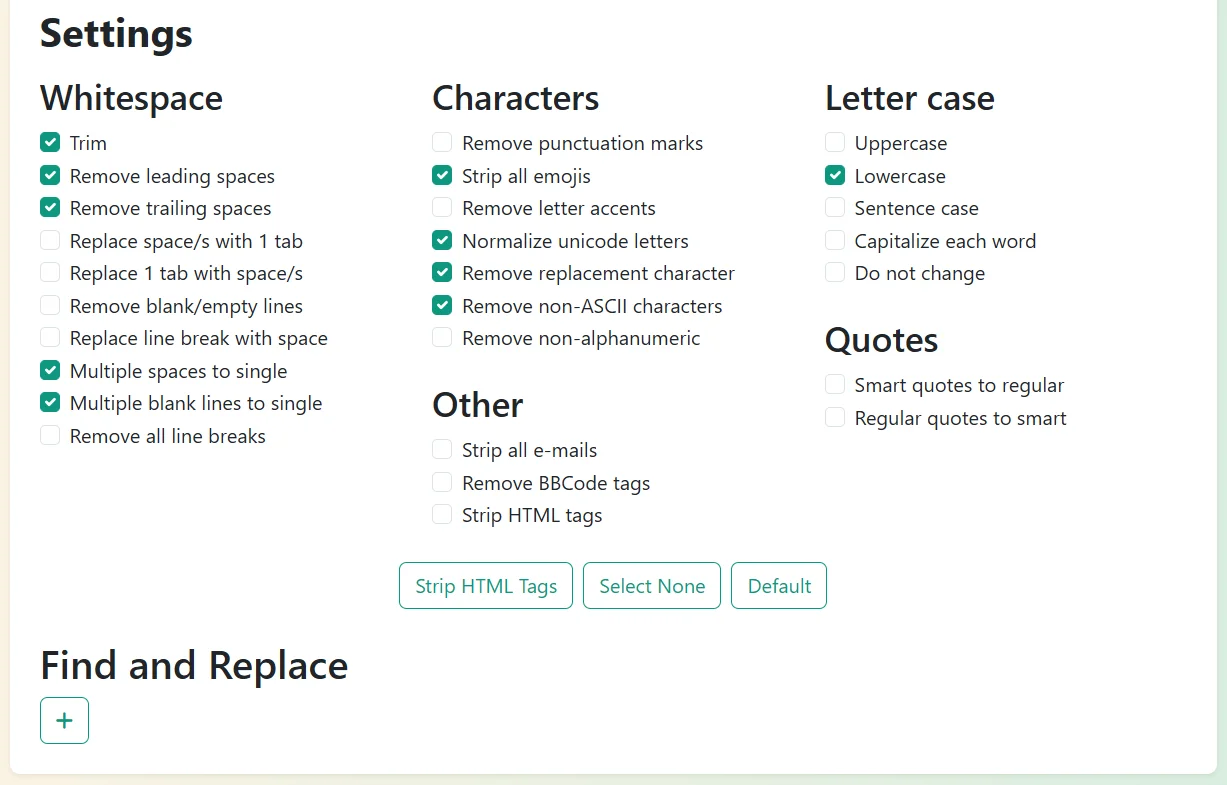
Settings
Whitespace
Characters
Other
Letter case
Quotes
Find and Replace
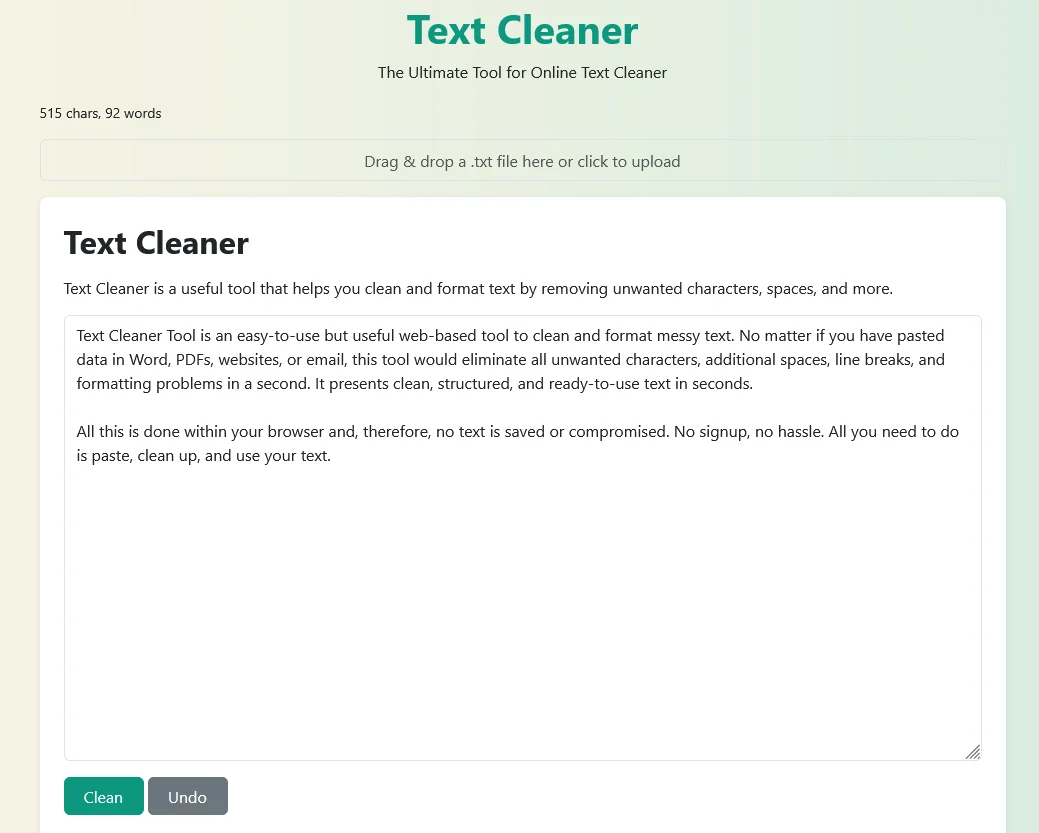
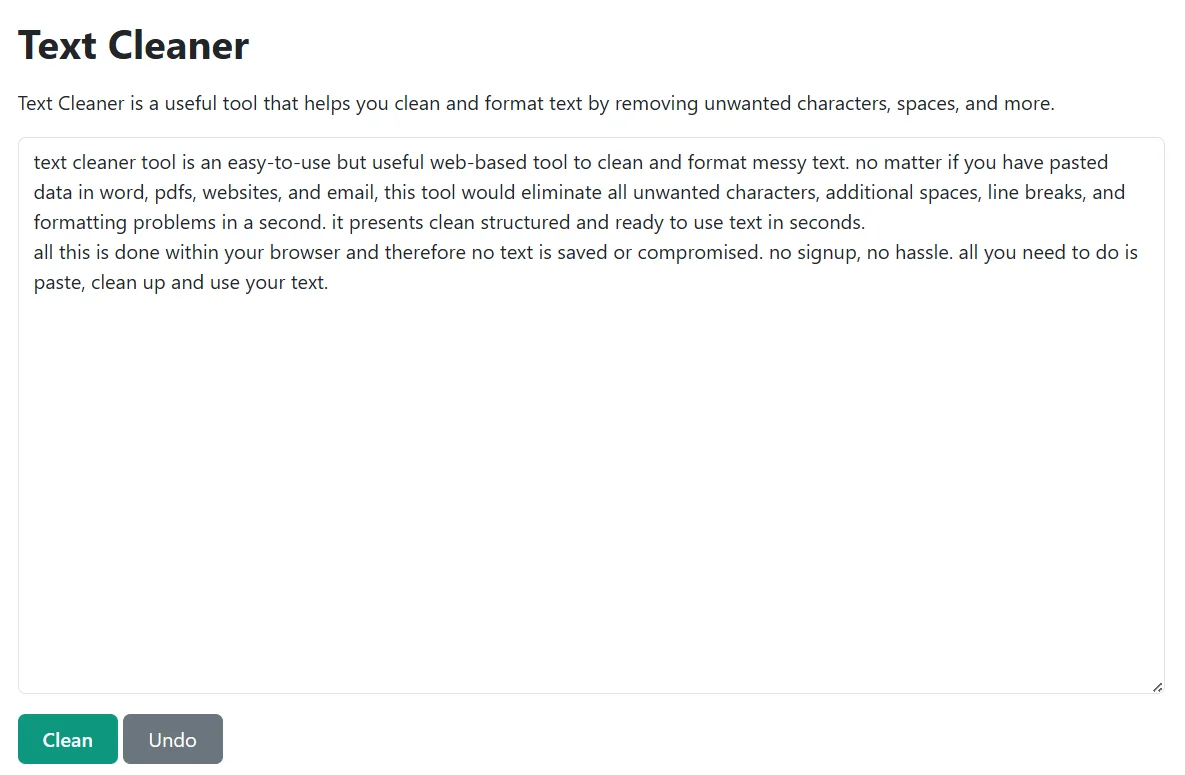
Text Cleaner Tool is an easy-to-use but useful web-based tool to clean and format messy text. No matter if you have pasted data in Word, PDFs, websites, and email, this tool would eliminate all unwanted characters, additional spaces, line breaks, and formatting problems in a second. It presents clean structured and ready to use text in seconds.
All this is done within your browser and therefore no text is saved or compromised. No signup, no hassle. All you need to do is paste, clean up and use your text.
How does Text Cleaner Tool work
Text Cleaner Tool works like this:
Key Highlights of Text Cleaner Tool
- Eliminates unnecessary blank areas, redundant lines and characters.
- Strips hidden formatting errors introduced by paste operations on PDF files, word or Web pages.
- Removes all the HTML tags namely div, br and p to plain text.
- Makes the case normal with choices to go to upper case or lower-case or title case.
- Create directly in your browser, secure, private, and safe.
- No registration necessary, write and clean text in real time.
- Mobile-friendly and compatible with tablets, desktops, and phones.
Who should use our Text Cleaner Tool
Text Cleaner Tool is designed to be used by any person involved with digital text. As a student, a professional, and even a content creator, this tool conserves time and makes your text look clean and professional.
Text copying in PDFs, Word files, or web pages usually results in a cluttered format with odd line breaks or unnecessary space. The Text Cleaner Tool then eliminates these problems and leaves you with time to edit and polish the content rather than correcting the formatting by hand. Great with articles, manuscripts and reports that require publication. The Text Replacer can also be used because writers may require another editing tool that allows them to reformat or rearrange the text further
In terms of web publishing, one uses clean text. The utility eliminates poorly-constructed HTML code, smart quotes, and rubbish code in drafts. This keeps the content of this site lightweight, formatted correctly, and search engine friendly. Bloggers are able to quickly compose in most platforms like WordPress or Medium without spending time cleaning them up. In the case of optimizing the content, you can also use such tools as Slug Generator or Hashtag Generator to prepare your writing to be optimized on social media and its search engine.
Academic writing has to be clear and organized. The tool can be used to format assignments, dissertations, and research papers error free by the student. The teachers are able to draft lecture notes, study material and exam papers into clear and lucrative documents. Word Counter or the Palindrome Checker can also help students improve written assignments.
Duplicate lines, hidden symbols or even inconsistent spacing are common in raw logs, scripts, and datasets. The Text Cleaner Tool lets developers and analysts pre-process this data to make sure it has clean inputs to an upcoming coding, machine learning, or data visualization project. Our Duplicate Line Remover or Random Number Generator will also work well in quick data formatting.
Some texts lose their formatting when they are copied out of a document or spreadsheet in social platforms. This tool eliminates hidden characters and symbols to make posts look clean and professional on Facebook, LinkedIn, Twitter, and Instagram. In order to have more interesting posts, you can combine this tool with the Small Text Generator or Random Sentence Generator.
Reports, presentations and emails need professional communication. The tool also allows professionals to structure the meeting notes, proposals, or documents and eliminate distractions such as an uneven use of space or excessive punctuation. This is to maintain consistency in appearance and a professional look.
Why Choose Our Text Cleaner Tool
- Free and fast, text Clean, free in a second.
- No saving or sharing of saved texts.
- Not complicated and easy to get started with.
- Everything to clean and fix many texts in one solution.
- Also used with other useful tools like the Text Reverser or Text Repeater when performing specialized tasks.