Split Text
Quickly split text by characters, words, or custom separators
Break very long blocks of text into manageable and easy to read sections with our Split Text feature. You save time and effort whether you need to prepare data to be used in the spreadsheet, split items in bulk or format content to be easier to read with this tool.
You can use a space, comma, a line or even your very own separator and divide the text according to your own requirements. It is perfect in classifying unorganized data into organized groups without human assistance. The tool is convenient and can be used any time, and you do not need to download anything, as it simply works in your browser.
It suits a student doing homework, a professional with large amounts of data or a writer with massive documents. It has accuracy, consistency, and efficiency that will provide you with more control on what you are typing with a single button press.
How does Split Text work?
Using our tool is quick and straightforward. Just follow these steps:
Paste your text: upload your text, Use the input box to rapidly divide your text into parts.
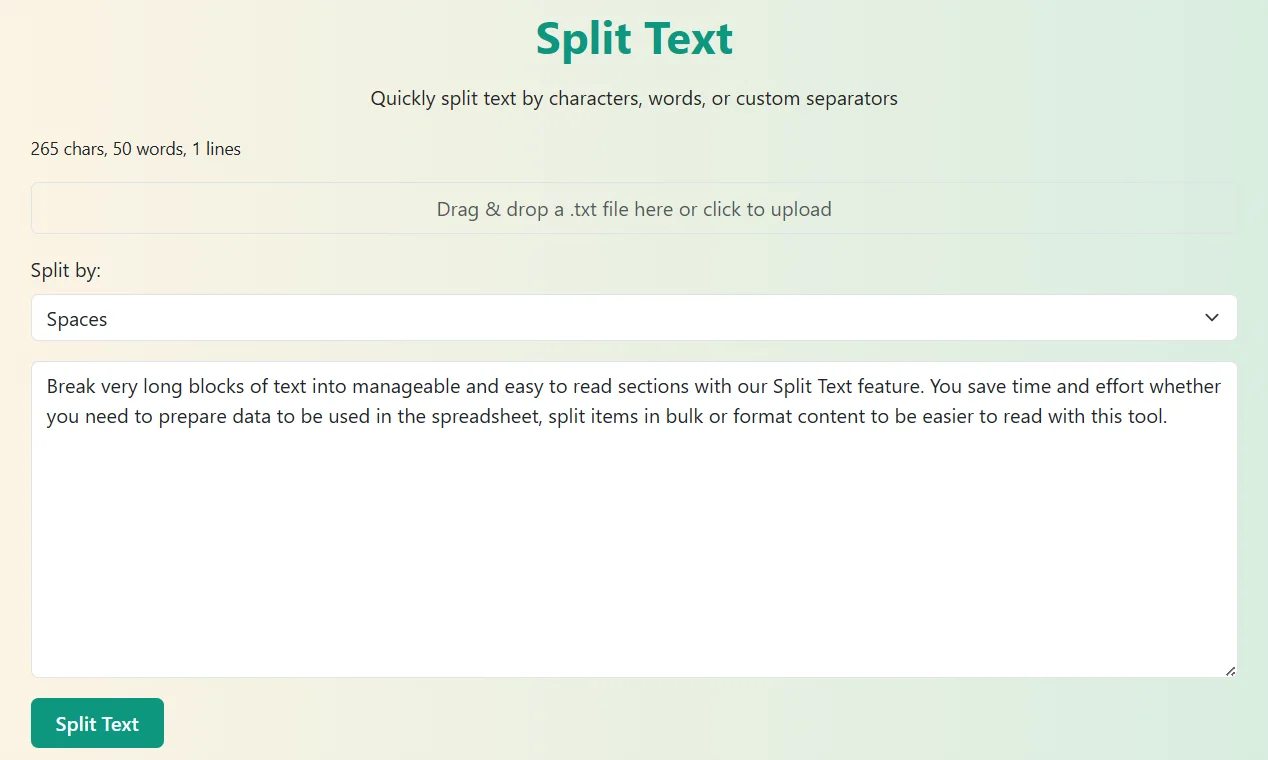
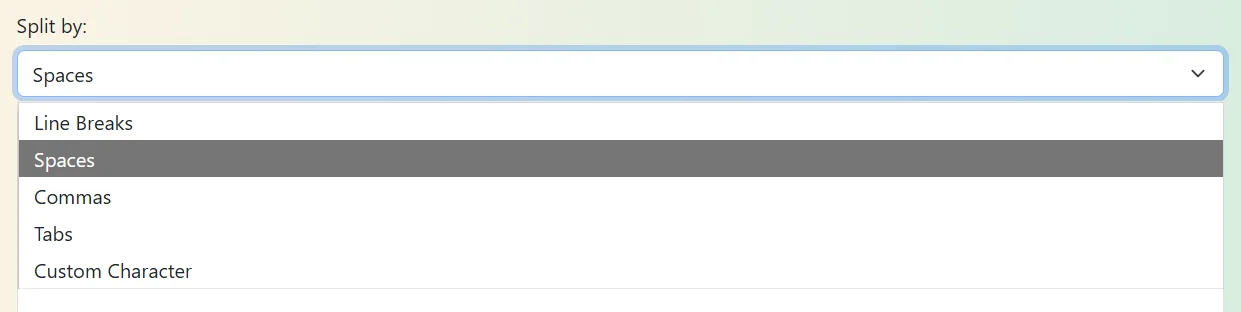
Choose your separator: Choose the ways you want to split the text (continuously, by spaces, line breaks or by other characters)
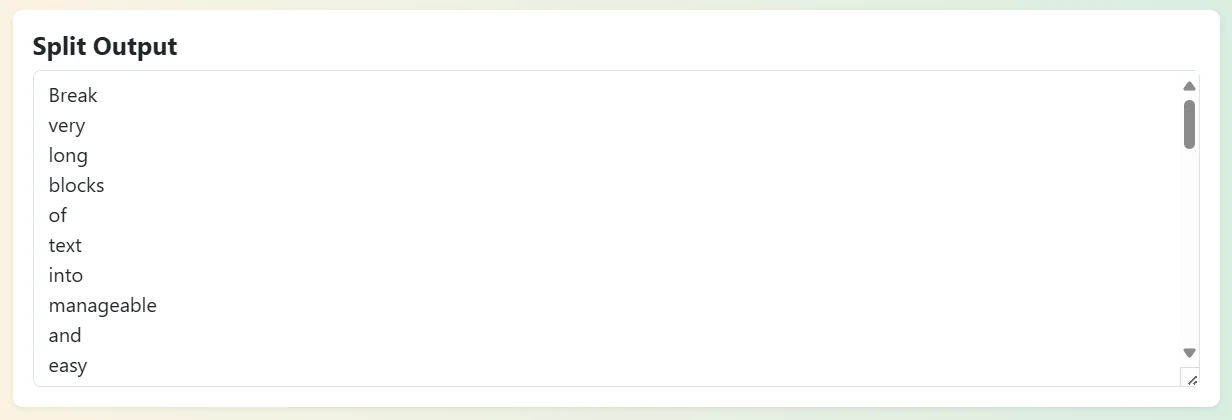
Click to split: This is the easiest tool to use, by clicking the command, all your text splits into smaller parts.

Copy or download: Cut the results or paste them in any where you require.
Key Highlights of Split Text
- Flexible splitting features: Split by spaces, commas, line breaks, or any other character.
- No installations: can be executed in your browser.
- Free and unlimited: You are free to use the tool whenever you want.
- User interface: simple to manoeuvre regardless of whether one is the novice user or the advanced user.
Why Choose Our Split Text Tool?
In contrast to complex text editors, this is a tool that is speedy and simple. No technical skills are required. It is just a matter of pasting, clicking and fragmenting. It is one alternative that anyone can count on when it comes to getting prompt formatting without much work.
Who should use our Split Text tool?
Our Split Text tool will be of assistance to a large user base covering users who usually work with text, data or written materials. This is why it can help various people in the following ways:
It may be time consuming to slice sections manually or put together content when you are drafting an article, producing reports, or editing large bodies of writing. Split Text tool enables the writers, as well as the editors to cut contents into small paragraph based pieces in real time that are easy to revise, reposition, or reuse.
In case you have a habit of using reversed texts or alternating the case of your writing, applications such as Text Reverser and Case Converter would also be useful.
Academic work has a tendency to provide lists, notes or references that ought to be neatly arranged. This allows the students to quickly format their notes in this tool instead of taking additional time in the process of dividing phrases, equations, important points, etc. Especially in collaboration with duplicated material on online resources or study guides, it is very helpful.
Students can also enjoy such tools as Word Counter when writing assignments or Palindrome Checker in cases of learning practice.
Split Text will also save a lot of time to individuals who need to deal directly with raw data, write CSV files or even, simply clean up rows in a spreadsheet. It guarantees the existence of the possibility to divide the text into the correct fields with several clicks and minimize the error and decrease the amount of time taken to complete the process of data preparation.
Text Cleaner could also be used by data specialists as a means of getting rid of the unwanted formatting or it is also possible to apply Duplicate Line Remover on the large datasets.
As long as you have a piece of work or project where text is involved as in the description of products, mailing lists or in a survey, our tool can separate and format a high amount of text in under a few seconds. It is ideal when one has to carry out repetitively formatting text with a rapid and reliable nature without researching further on this matter.
In such a case, such tools as Random Sentence Generator or Hashtag Generator might also be used to offer some assistance in terms of creative and organization requirements.